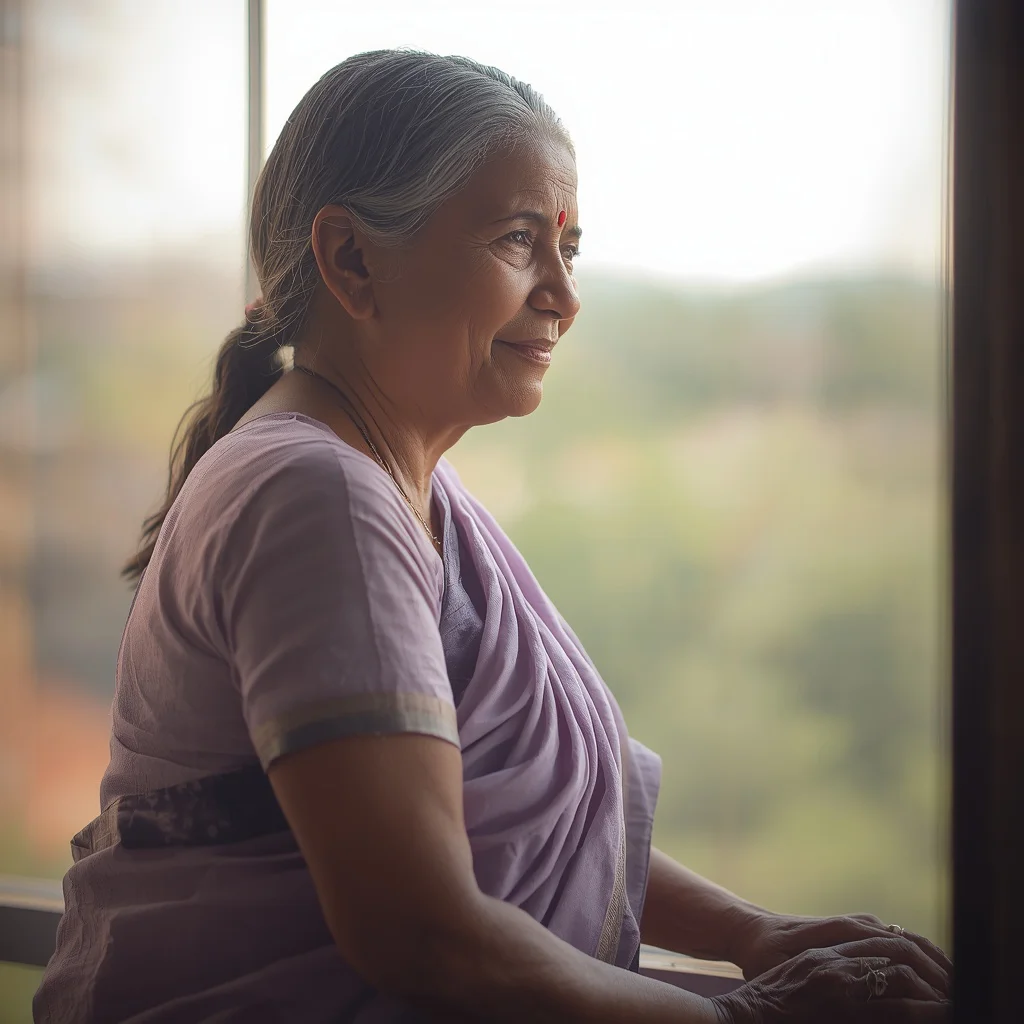

Unlock the secrets of generating breathtaking nocturnal cityscapes and whimsical fantasy portraits featuring elegant girls in high-fashion attire.
Night photography has always held a special allure for creators. The way city lights interact with shadows, reflections, and rich garment textures can turn a simple portrait into a dramatic story. In this guide, we explore how to generate stunning portraits of elegant girls in urban settings and magical fantasy landscapes using precise AI prompts.
From the architectural beauty of a marble dress with gold veins to the delicate shimmer of a celestial Lehenga, these prompts blend fashion with environmental storytelling. We look at how to capture reflections, soft twilight gradients, and intricate details. By mastering these prompts, you can easily control the mood, lighting, and textures of your digital creations.
Whether you are crafting a melancholic spring portrait or a playful candy land exploration, these formulas are designed to deliver high-fidelity results across multiple platforms. Let us dive into the technical aspects of writing prompts for elegant city night photography and whimsical fantasy concepts.
What Are Elegant City Night Photography?
Elegant city night photography prompts are designed to capture the mood, contrast, and lighting of urban environments after dark. When applied to AI art generation, this style focuses on the interplay between ambient city lights and the subject. Key elements include soft neon glows, wet pavement reflections, and cinematic depth of field that separates the model from the bustling background.
This style also extends to fantastical night-themed designs, such as celestial gowns embroidered with constellations, and whimsical settings like a moonlit forest. By combining elegant subjects with rich, reflective materials, these prompts guide the AI to produce images with incredible depth, atmosphere, and emotional resonance.
Why Elegant City Night Photography Is Trending
Night-themed digital art is incredibly popular because of its high visual contrast and dramatic storytelling potential. The dark backgrounds allow vibrant colors, glowing elements, and intricate textures—like Swarovski crystals or gold veins—to pop off the screen. This makes night photography prompts highly sought after by digital artists and social media influencers.
Furthermore, modern AI engines have become highly sophisticated at rendering complex lighting sources, such as bioluminescence, neon frames, and soft moonlight. This technological leap allows creators to generate highly realistic nighttime scenes that would otherwise require expensive lighting equipment and complex camera setups in the real world.
Popular Styles You Can Create
Our collection of night-themed and whimsical prompts covers a wide variety of artistic styles, ranging from high-fashion editorial to playful childhood fantasy. Here are the popular styles you can generate:
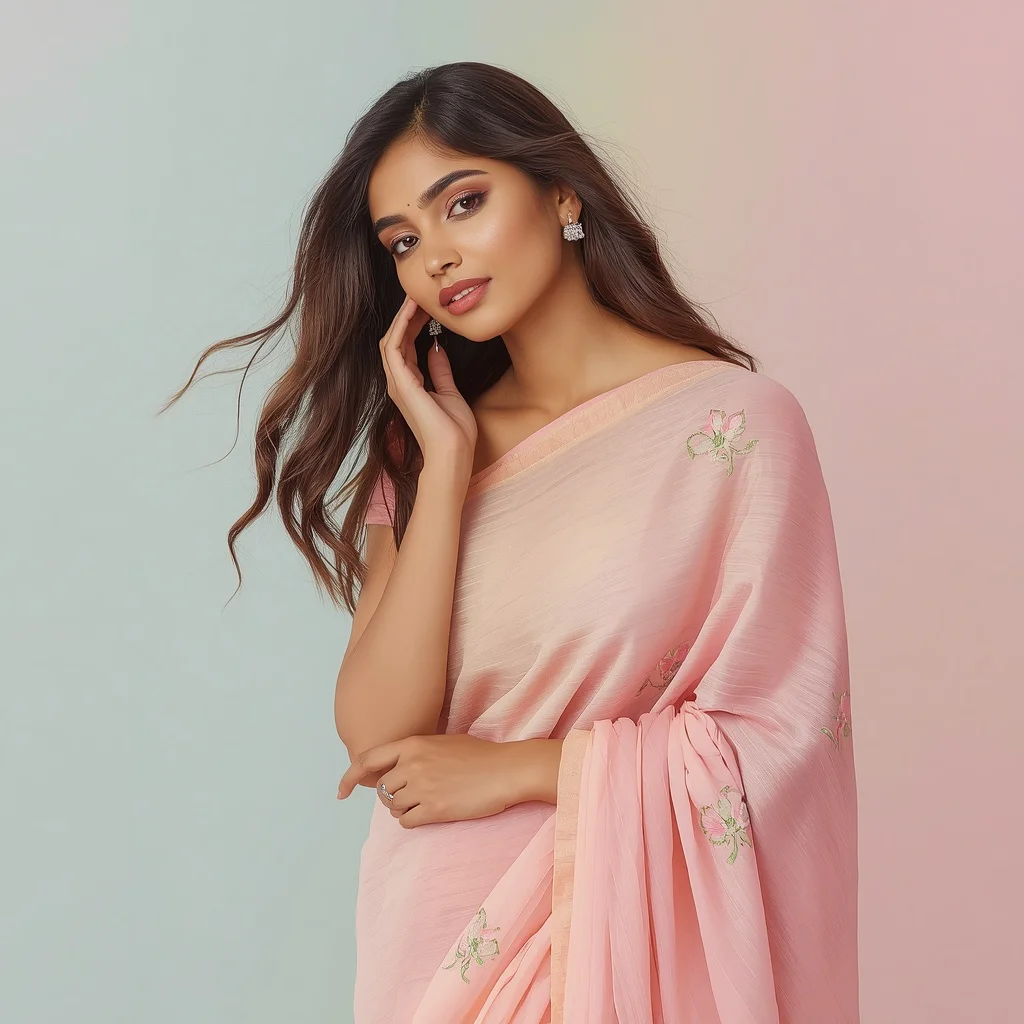
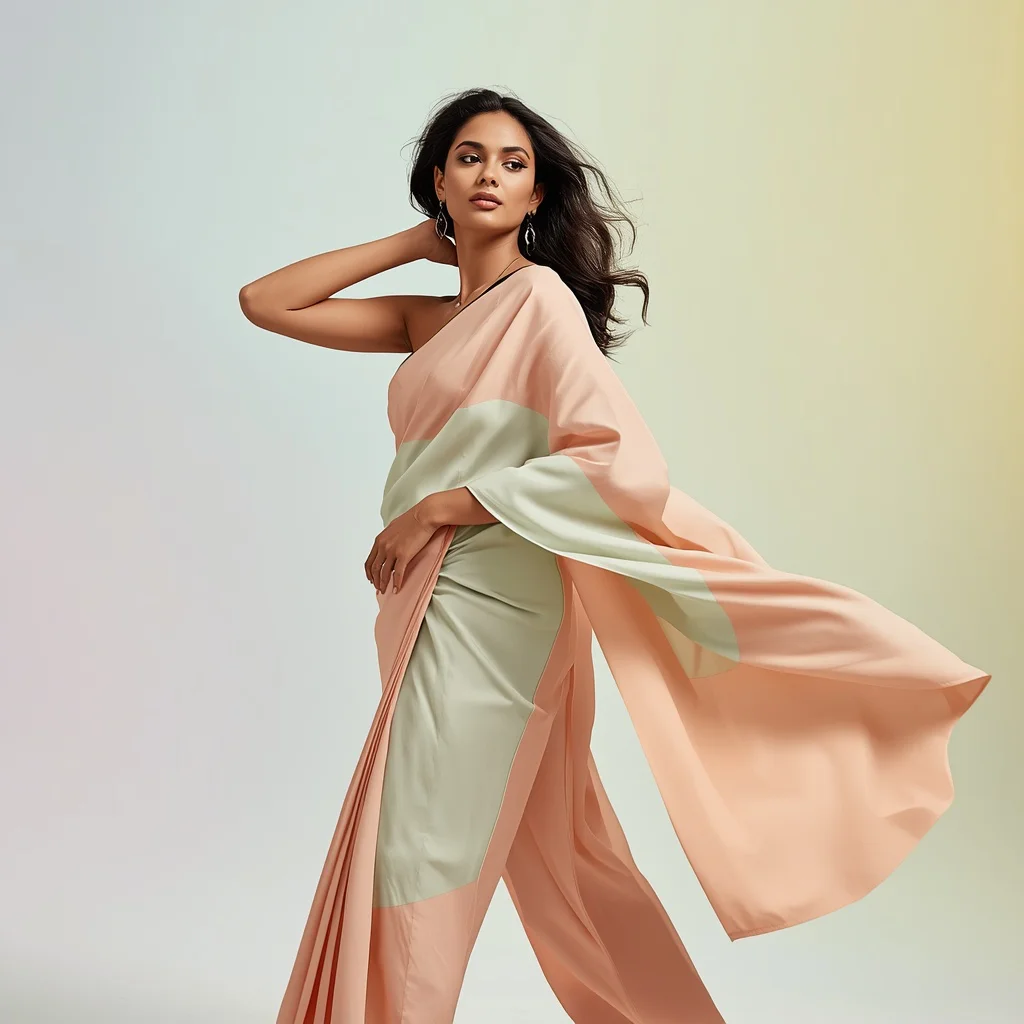
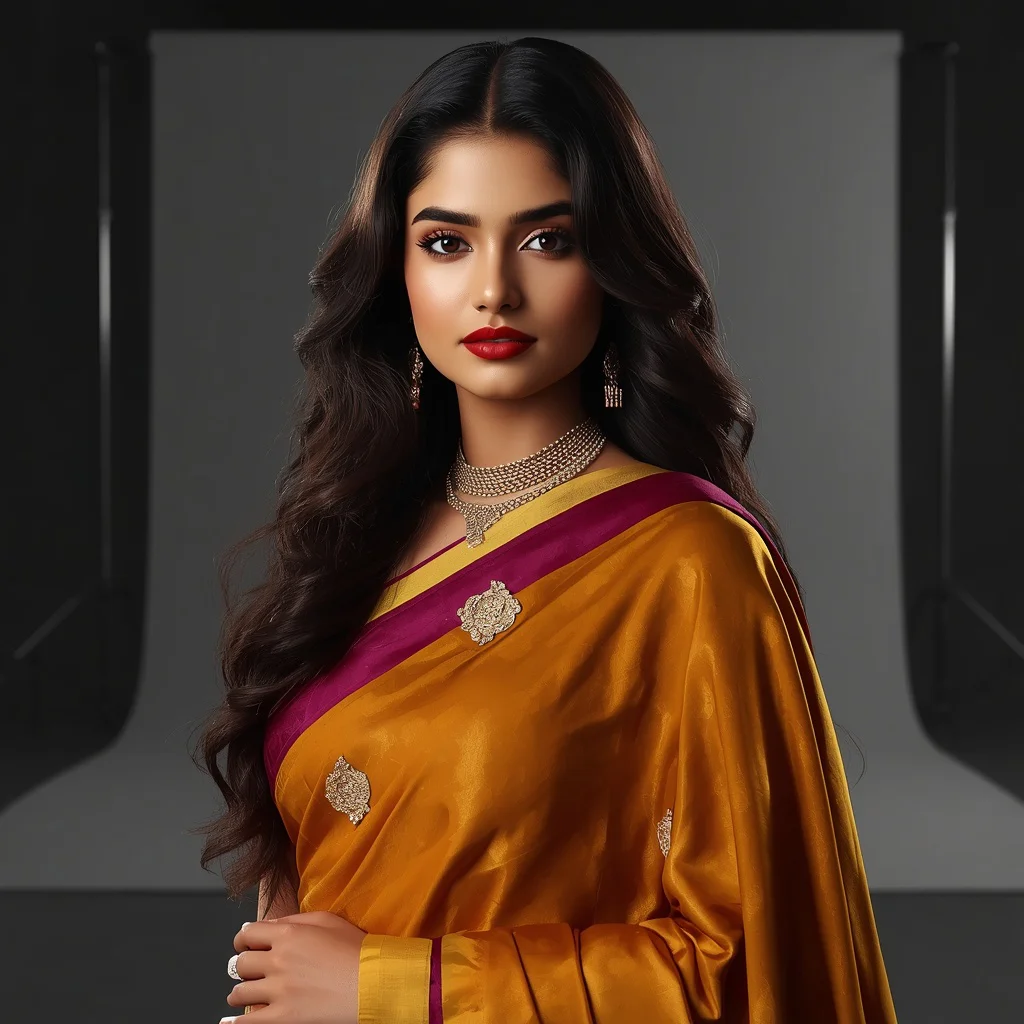
- Chic Traditional Saree: A modern twist on the classic Saree, featuring bold colors and elegant drapes for an editorial shoot.
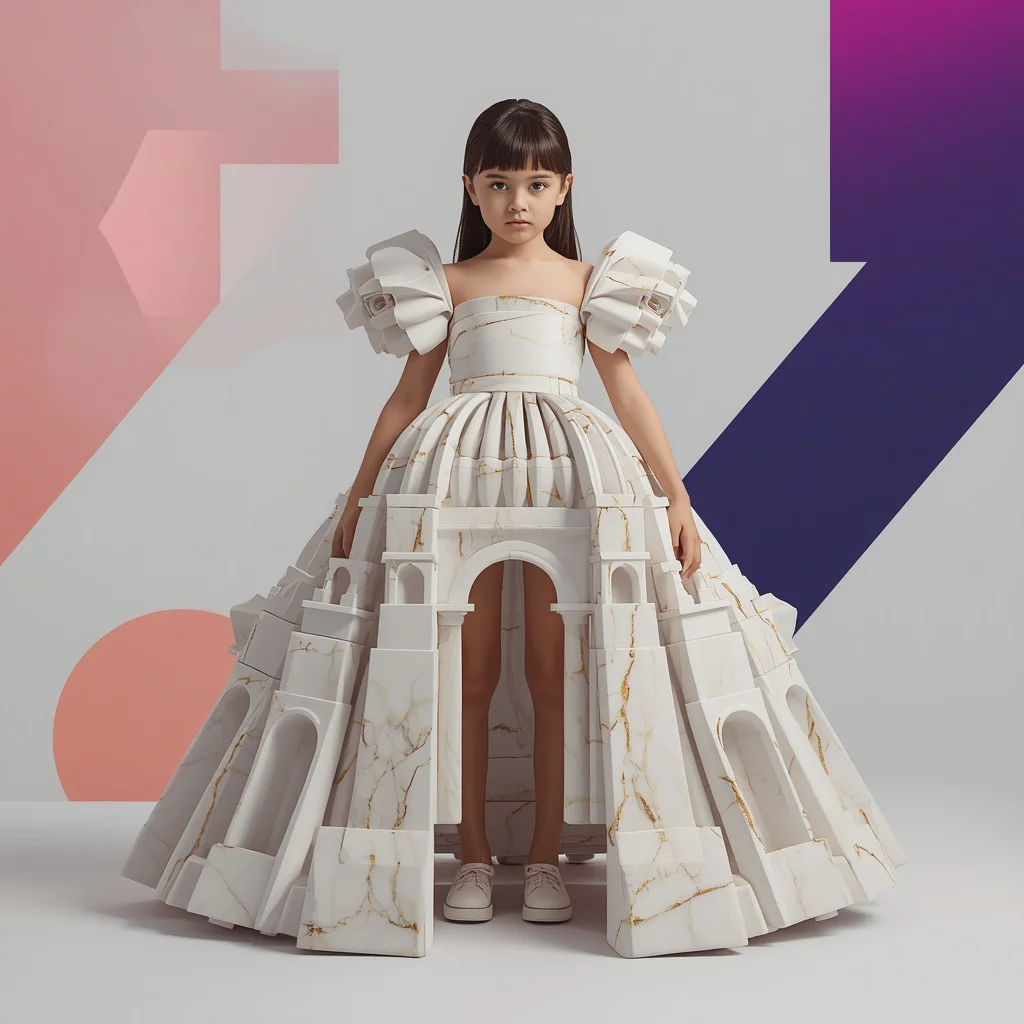
- Marble Dress with Gold Veins: An avant-garde look featuring a heavy fabric resembling white sculpted marble with deep gold veins and 3D pillars.
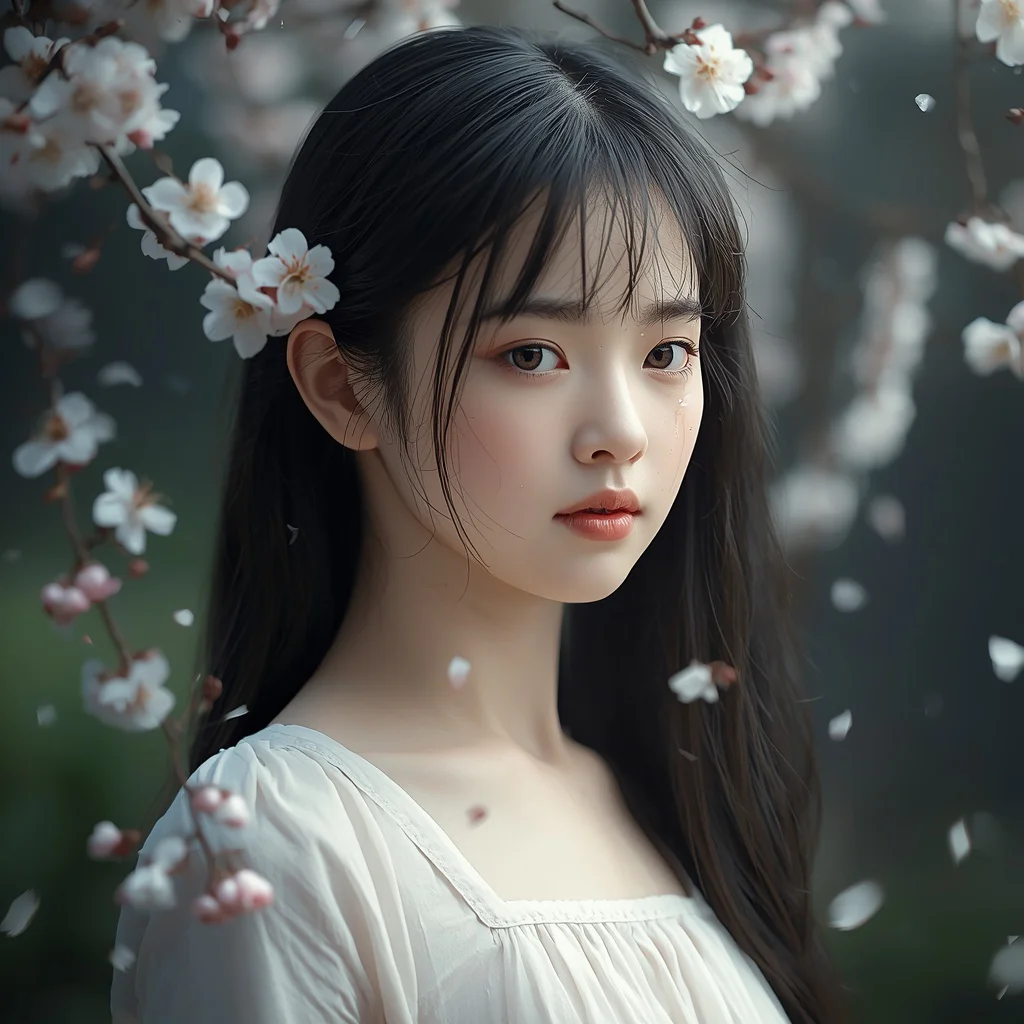
- Melancholy Cherry Blossom Portrait: A close-up portrait of a beautiful girl with a melancholic expression and falling petals.
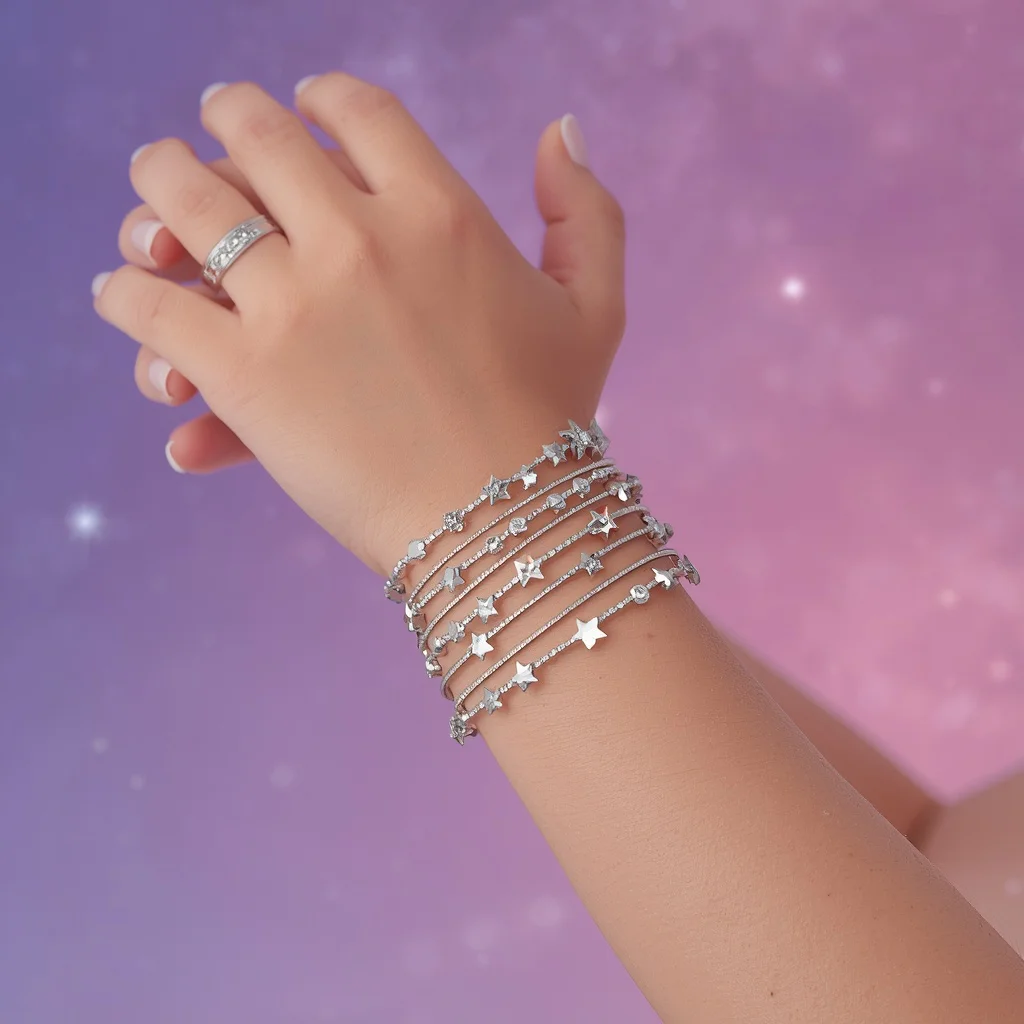
- Celestial Bangle Arm Adornment: A detailed close-up of an arm adorned with star-shaped Swarovski crystals and silver thread constellations.
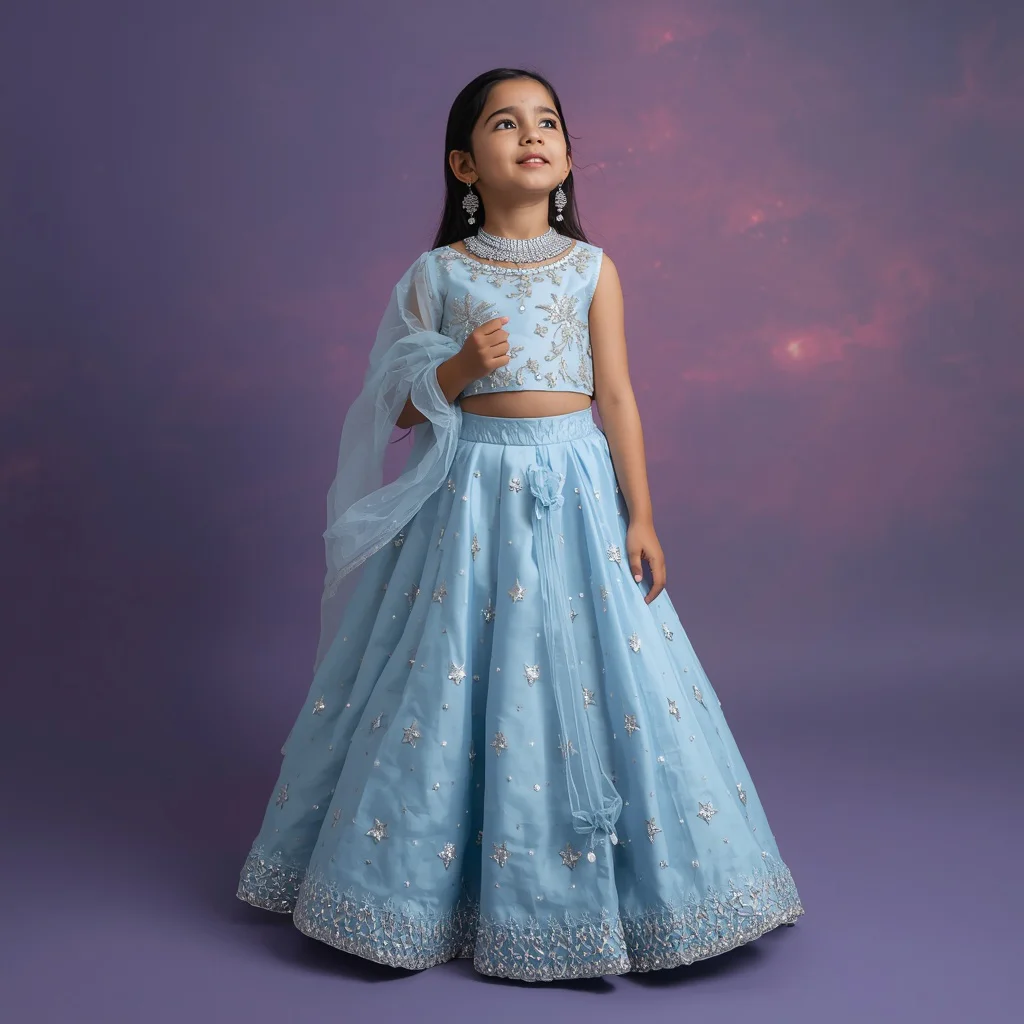
- Celestial Lehenga: A whimsical, heavy designer lehenga made of pure silk and encrusted with miniature star crystals.
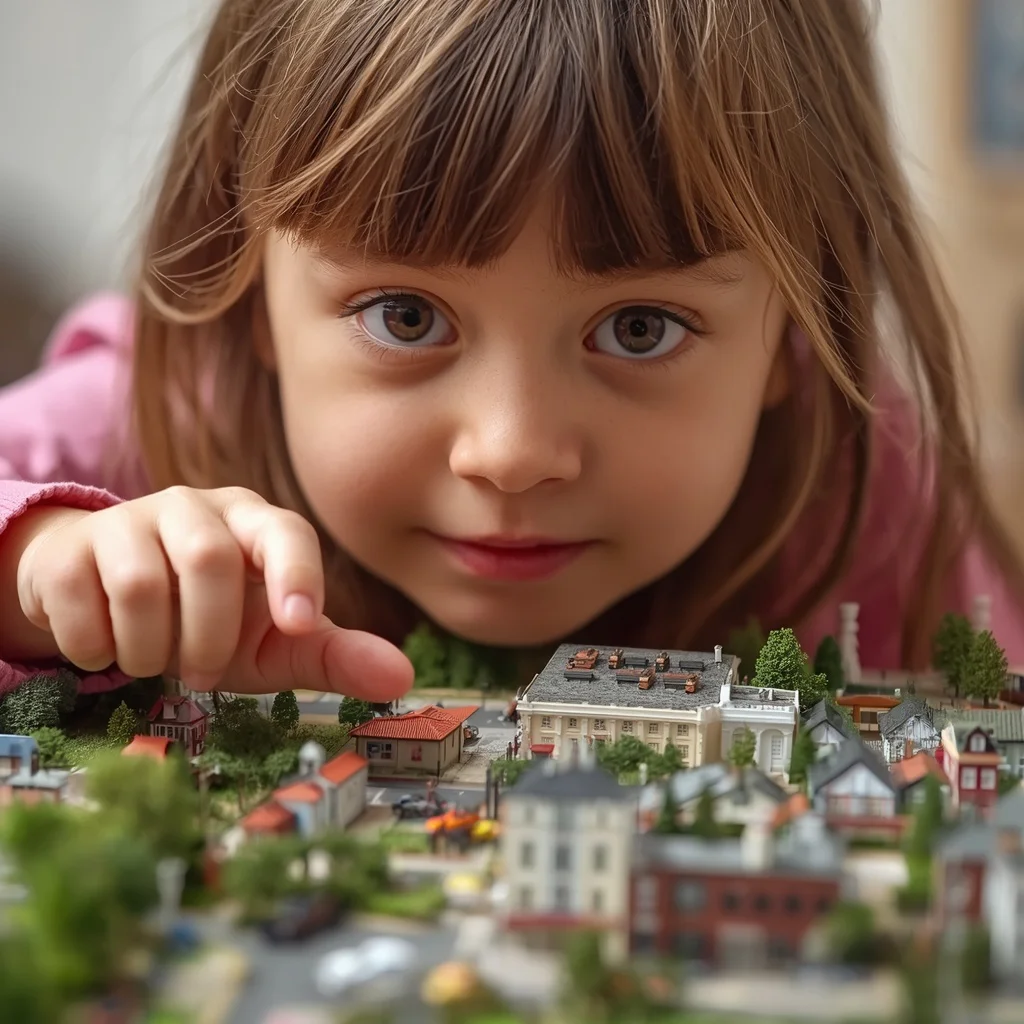
- Miniaturized World Discovery: A charming scene of a young girl looking down at a detailed, miniature town diorama.
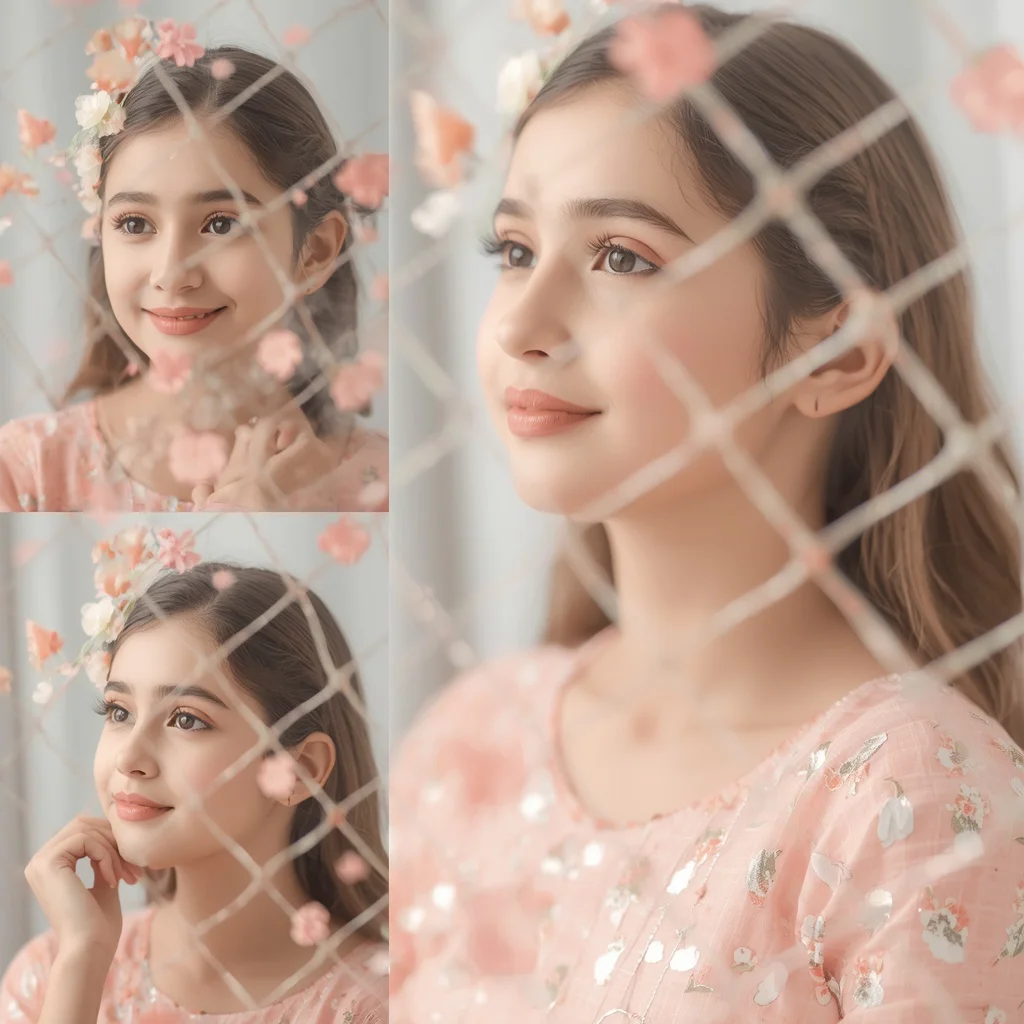
- Floral Anarkali Collage: A romantic, multi-frame collage featuring a pastel Anarkali surrounded by a delicate floral net.
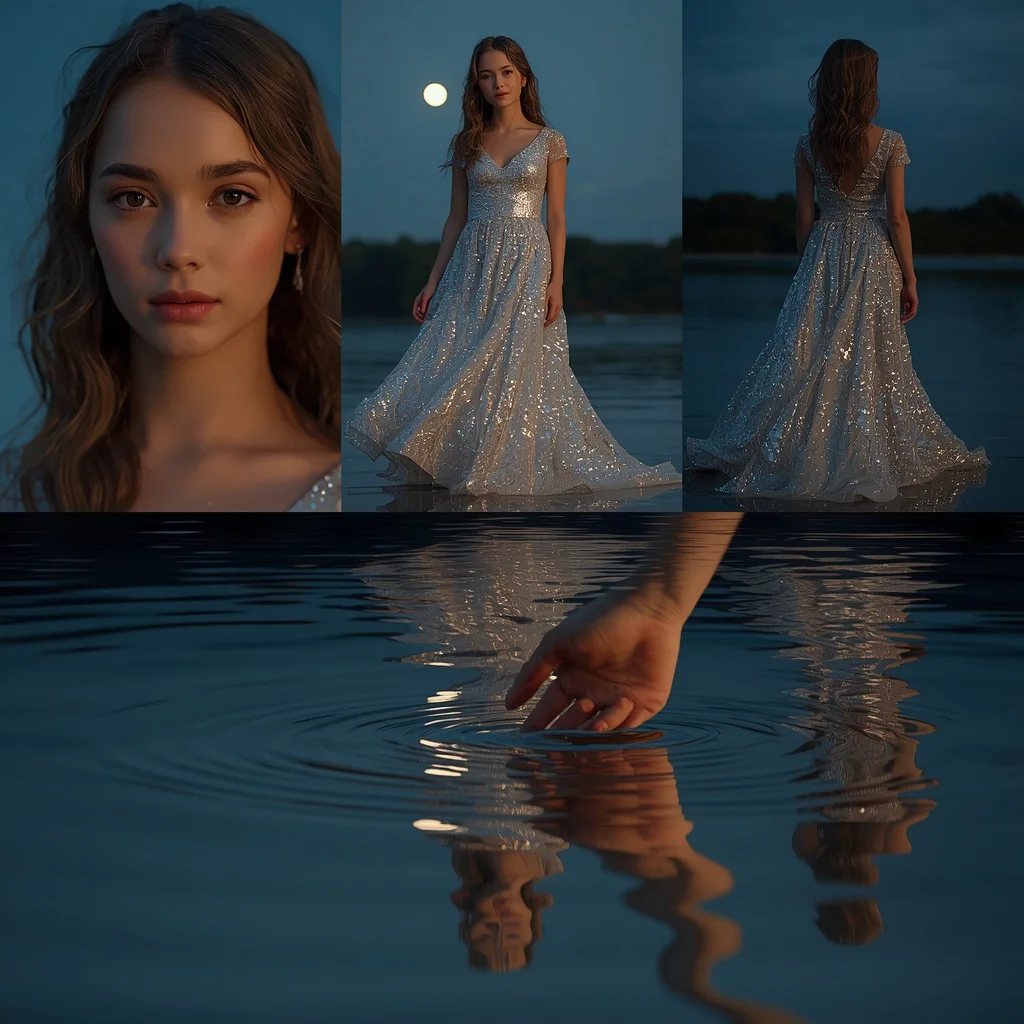
- Water Reflection Collage: A beautiful girl in a flowing gown, reflected on the surface of still, glistening water.
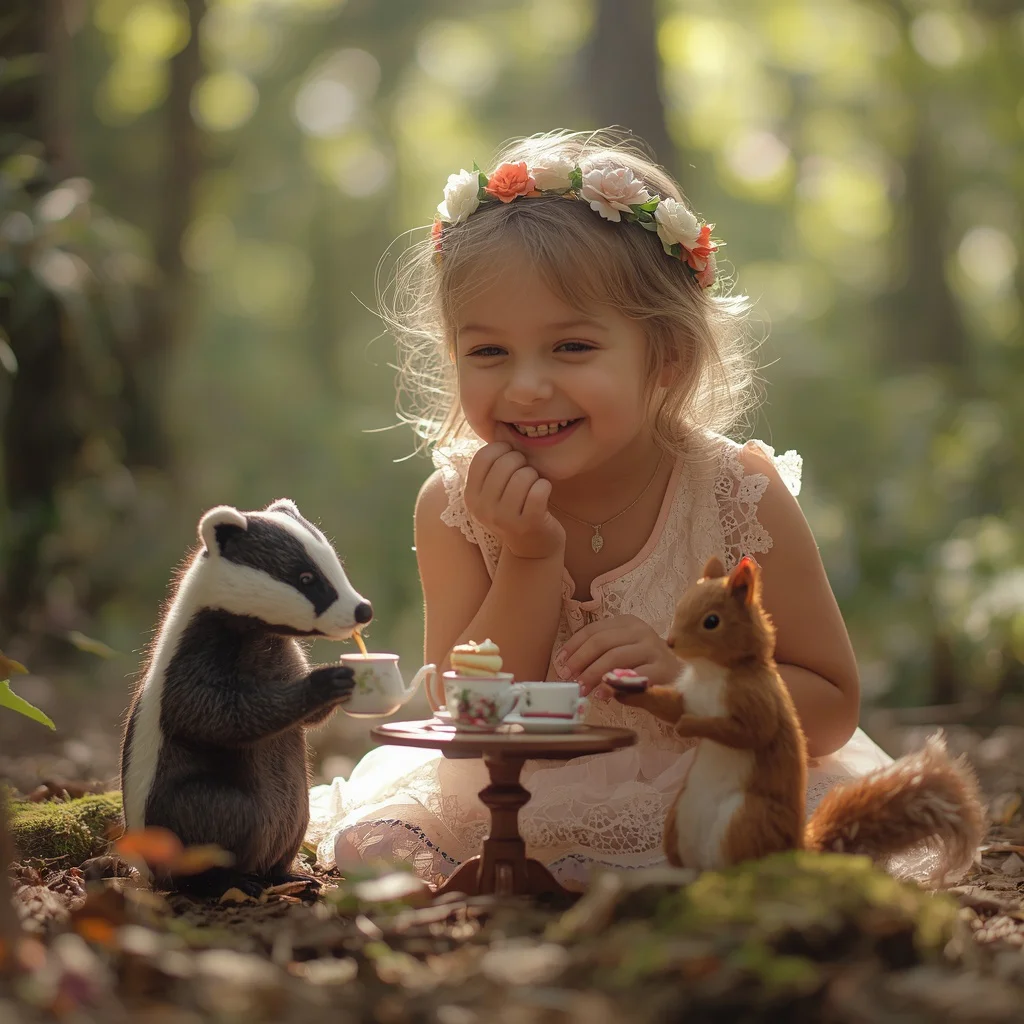
- Magical Tea Party: A whimsical forest clearing scene with anthropomorphic creatures pouring tea for a young girl.
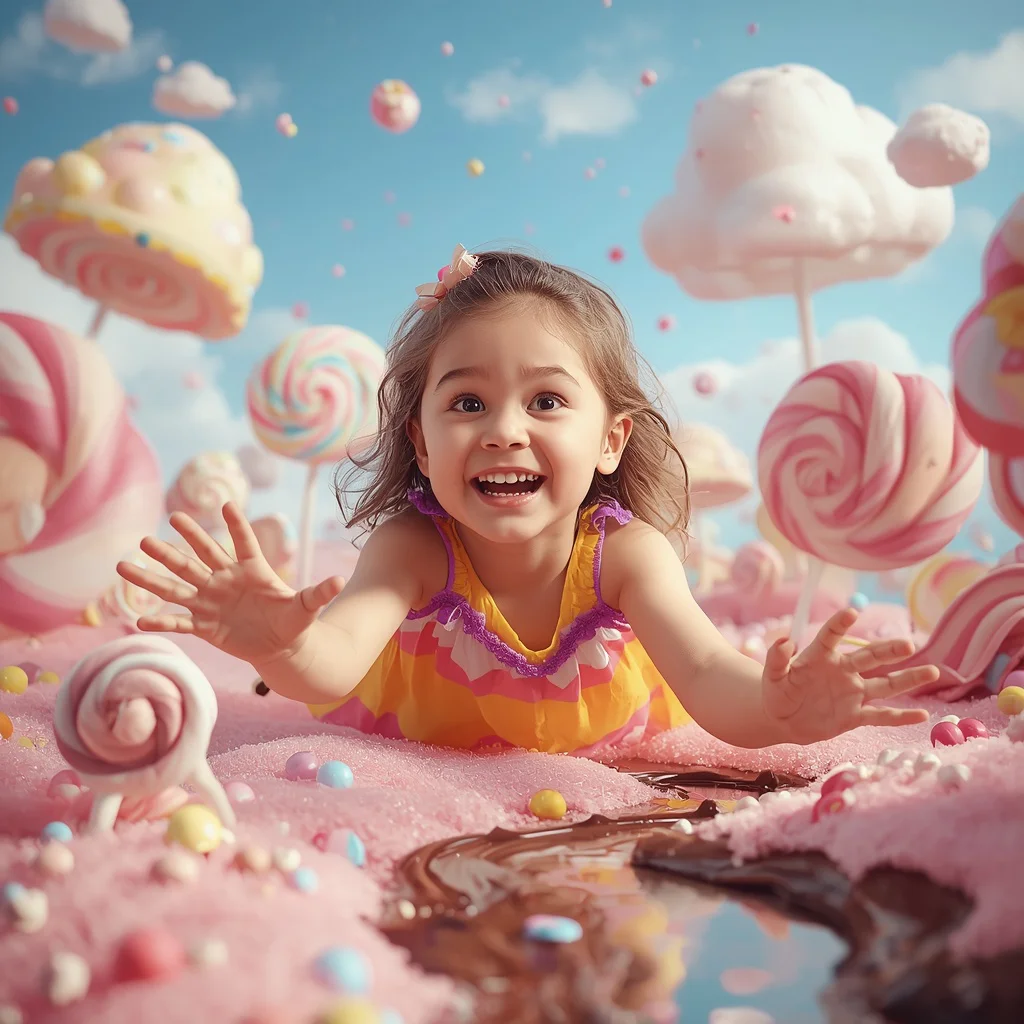
- Candy Land Fantasy: A colorful, joyful exploration of a magical world filled with giant lollipops and chocolate rivers.
How to Use Elegant City Night Photography
Using these prompts is straightforward. First, select the style that matches your creative vision. Next, copy the prompt text and paste it into your preferred AI generator. To customize the image, you can swap out key elements such as the background location, the color of the dress, or the model's age.
For the best results with night photography, ensure that your prompt contains clear instructions regarding the light source. Words like 'moonlit', 'twilight purple gradient', or 'diffused soft daylight' will help the AI establish the correct atmospheric mood and shadow placement.
What Kind of Base Photo Works Best?
If you are utilizing image-to-image workflows, the choice of your base photo is crucial for achieving a realistic night effect. A base photo with high contrast and clear directional lighting is ideal. This allows the AI to map the shadows and highlights accurately, ensuring that the final output looks natural and believable.
For portraits featuring water reflections or complex collages, use a base photo with a clean, uncluttered composition. This makes it easier for the AI to generate clean reflections and distinct frames without blending the subjects together in an unnatural way.
Which AI Tools Deliver the Best Results?
Achieving the perfect balance of shadow and light in night photography requires a powerful AI engine. Below is a comparison of how the top AI tools handle these complex prompts:
| AI Tool Name | Best Use Case | Key Strength |
|---|---|---|
| Midjourney | Atmospheric Lighting & Reflections | Superb rendering of water reflections and night skies |
| ChatGPT | Prompt Structuring & Ideation | Helps expand concepts and add detailed descriptors |
| Gemini | Style Adaptation & Variety | Great for blending traditional attire with fantasy themes |
| Flux | Sharp Textures & Fine Details | Maintains crisp details on Swarovski crystals and embroidery |
| Leonardo | Contrast Control & Customization | Excellent for managing high-contrast night scenes |
Pro Tips
When generating night photography, always specify the camera lens and resolution to guide the AI's rendering engine. Using terms like '85mm lens' or '50mm lens' helps create a beautiful shallow depth of field, which naturally blurs the city lights into gorgeous bokeh circles, making your subject stand out.
Additionally, focus on describing the textures of the garments. Mentioning specific materials like 'pure silk', 'delicate silver thread', or 'white sculpted marble' gives the AI clear instructions on how to reflect light off the clothing, resulting in a much more realistic and high-end look.
Common Issues and Quick Fixes
Night photography prompts can sometimes result in muddy shadows or oversaturated lights. Here are some common issues and how to fix them:
| Common Issue | Root Cause | Quick Fix |
|---|---|---|
| Shadows look muddy or lack detail | Insufficient contrast in the scene settings | Add 'high-contrast cinematic lighting' or 'HDR' to the prompt |
| Reflections look distorted or unrealistic | Complex water surfaces confuse the AI | Simplify the reflection description to 'still, glistening water' |
| Garment details are lost in the dark | Poor light placement on the subject | Specify a clear light source, such as 'soft moonlit lighting' |
Frequently Asked Questions
How do I get the perfect nighttime lighting for city photos?
Specify lighting conditions like 'soft moonlit cinematic lighting', 'twilight purple gradient', or 'diffused soft daylight' in your prompt.
Where can I paste these nighttime photography prompts?
These prompts are optimized to be pasted directly into Midjourney, ChatGPT, Gemini, Flux, or Leonardo.
How do I generate realistic water reflections in the collage?
Describe the reflection details explicitly, such as 'rippling reflections on still water' or 'glistening water surface'.
Conclusion
Mastering elegant city night photography through AI prompts opens up a world of creative possibilities. By combining rich cultural garments with dramatic nocturnal lighting and whimsical fantasy elements, you can generate images that are both visually stunning and emotionally evocative. Use our curated prompts today to bring your digital fashion concepts to life!
- Browse our list of night-themed and whimsical prompts to find your style.
- Copy the selected prompt text directly to your clipboard.
- Open your preferred AI image generator (e.g., Midjourney, Gemini, or Flux).
- Paste the prompt into the generation bar and add any custom parameters.
- Run the generation and wait for the initial set of images to render.
- Select the image that best captures the mood and upscale it for high-resolution output.
- Apply final color grading or lighting adjustments in your favorite editing software.