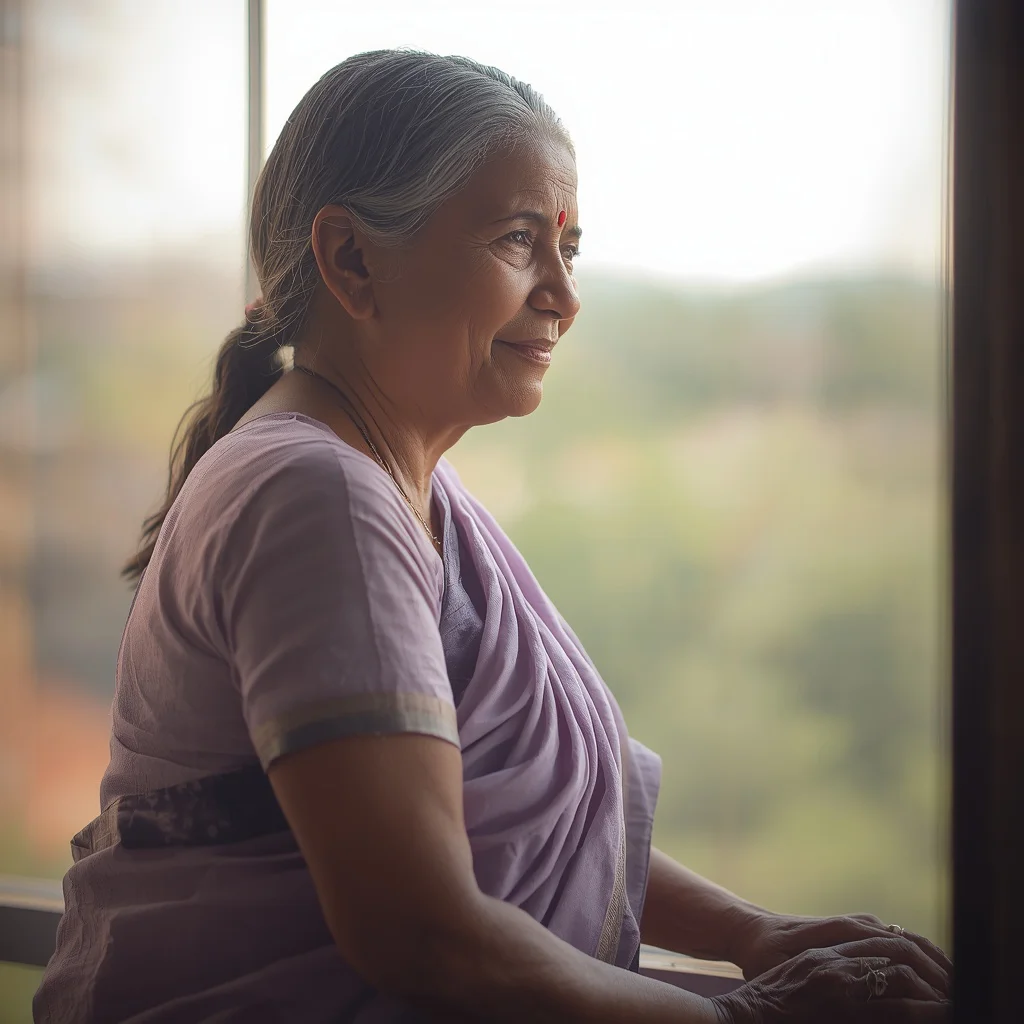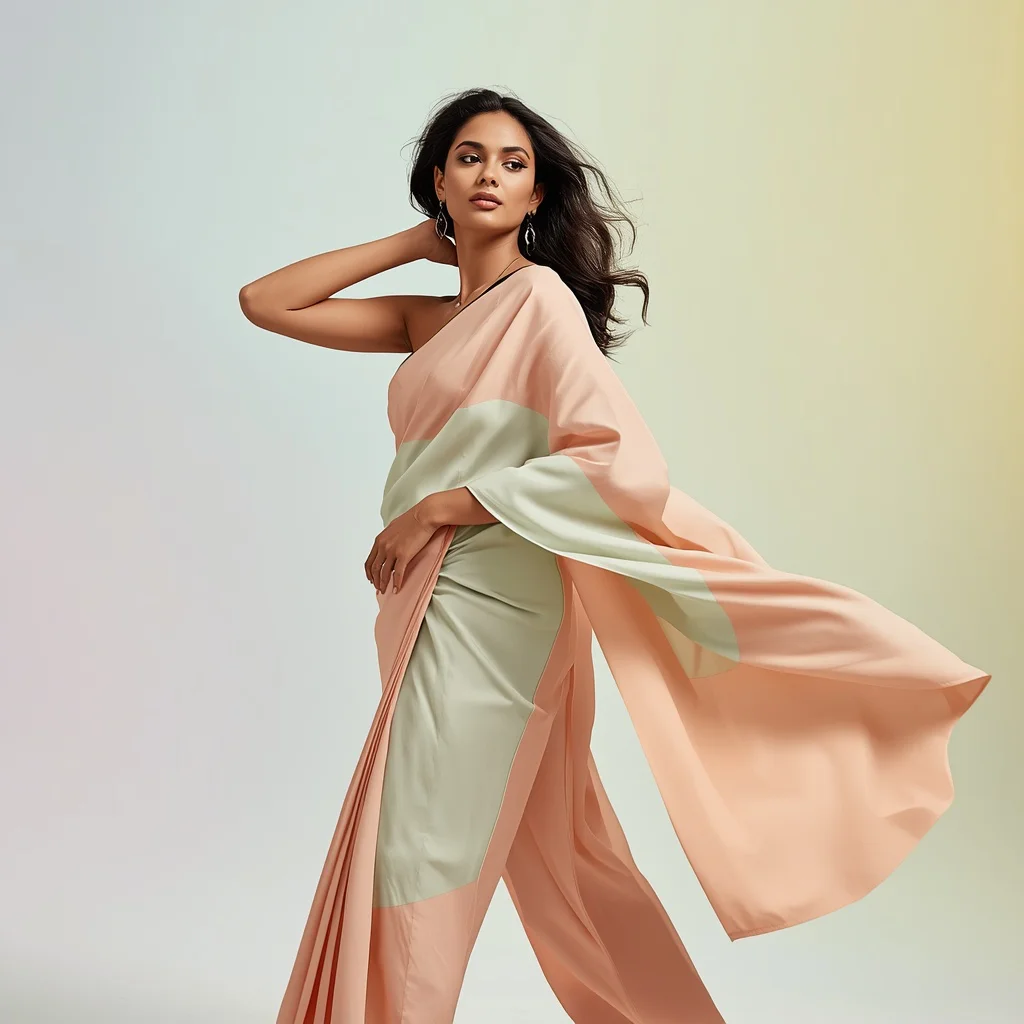


Elevate your digital art portfolio with 10 premium AI prompts for beautiful woman portraits, designed to render sophisticated subjects in luxurious settings with breathtaking ambient light.
Creating high-end portraits of women in professional and luxurious settings is one of the most sought-after skills in the digital creator community. From high-powered corporate CEOs in global headquarters to ethereal wanderers crossing iridescent deserts, these prompts offer a wide variety of scenarios that project power, elegance, and beauty. The secret lies in combining precise subject descriptions with rich environmental context and cinematic lighting.
In this comprehensive guide, we break down the elements that make these prompts so effective. We examine how specific clothing choices—such as a crimson velvet gown, a futuristic white winter coat, or a sharply tailored pantsuit—affect the overall mood and narrative of the image. We also explore how ambient lighting, golden hour sunbeams, and cold glacier reflections can be used to direct the viewer's eye and establish a professional, cinematic aesthetic.
By mastering these prompt structures, you will be able to generate highly realistic, emotionally resonant portraits that look like they were shot by a professional fashion photographer. Let us dive into the mechanics of these high-end prompts and learn how to run them successfully on the world's leading AI image generation platforms.
What Are AI Prompts for Beautiful Woman Portraits?
AI Prompts for Beautiful Woman Portraits are detailed textual formulas designed to guide generative AI models in creating realistic, high-quality images of women in various settings. These prompts go far beyond simple physical descriptions, incorporating details about the subject's age, emotional state, posture, clothing, and the precise architecture of their surroundings. They are built to generate images that convey a story, character, and mood.
For instance, instead of prompting for 'a woman in a library,' these prompts describe 'a sophisticated, glamorous woman in her early 30s, with an elegant, serene expression and her hair styled in an elaborate vintage updo, wearing a stunning, floor-length crimson velvet gown, standing in the ornate foyer of a grand, historic opera house.' This level of detail provides the AI with clear instructions on how to render textures, reflections, and spatial depth.
These prompts also feature specific photographic directives, such as 'cinematic warm, golden hour lighting,' 'shallow depth of field,' and 'diffused light from overhead chandeliers.' By integrating these terms, you prompt the AI to simulate professional camera lenses and lighting setups, resulting in outputs that look incredibly polished and realistic.
Why AI Prompts for Beautiful Woman Portraits Is Trending
The demand for high-quality, professional portraits of women has skyrocketed due to the growth of personal branding, digital marketing, and online storytelling. Creators, authors, and entrepreneurs need high-impact visuals that project authority, confidence, and elegance. These prompts allow them to generate bespoke, professional-grade imagery without the massive overhead costs of a physical photoshoot, wardrobe hire, and location scouting.
Furthermore, the ability of modern AI models to render complex fabrics, realistic skin textures, and intricate lighting reflections has made portraiture a highly engaging field. Audiences are captivated by the realism and cinematic quality of these images. A portrait of a female doctor walking confidently down a hospital corridor or a CEO standing in a bustling global headquarters can look so authentic that it is virtually indistinguishable from real-world photography.
This trend is also driven by the desire for diverse and powerful representations of women. These prompts celebrate women in positions of leadership, professional competence, and quiet strength. Whether it is a resolute explorer on a pristine glacier or a compassionate doctor comforting a patient, these images tell empowering stories that resonate deeply with modern viewers.
Popular Styles You Can Create
This collection of prompts allows you to explore several distinct visual styles, ranging from hyper-realistic professional portraits to surreal, dreamlike fantasy scenes. Understanding these styles will help you choose the right prompt for your project:
- High-Fashion Glamour: Focuses on sophisticated elegance, featuring subjects in grand ballrooms or historic opera houses wearing luxurious velvet or sequined gowns under warm chandelier light.
- Surreal Ethereal: Merges realistic female subjects with fantastical environments, such as stepping through a glowing crystal portal or walking barefoot across an iridescent desert sand under multiple moons.
- Professional Leadership: Captures women in powerful roles, such as a female CEO in a tailored pantsuit at global headquarters, or a focused doctor in a modern hospital corridor.
- Cinematic Outdoor Adventure: Showcases strong, resolute subjects in dramatic natural landscapes, like a woman in a futuristic winter coat on a pristine glacier under cloudy skies.
- Urban Sophistication: Features modern, tailored fashion in dynamic architectural settings, such as a woman in a sapphire outfit walking across a suspension bridge at sunset.
- Serene Naturalist: Places elegant subjects in lush, blooming environments, like a flowing pastel gown in a vibrant botanical garden with soft sunlight filtering through foliage.
How to Use AI Prompts for Beautiful Woman Portraits
To get the most out of these prompts, it is important to follow a structured approach. First, select a prompt that aligns with the specific narrative or style you want to create. Copy the text and prepare to paste it into your AI generator of choice. While these prompts are ready to use out of the box, customizing them can help you achieve a more personalized result.
When customizing, you can adjust details such as the subject's age (e.g., changing 'early thirties' to 'mid-forties'), hair color, or the specific colors of their attire. For example, you can change a 'magenta hue' dress to an 'emerald green' gown to better fit your brand's color palette. Be sure to keep the lighting and camera directives intact, as they are essential for achieving that sought-after cinematic look.
After inputting the prompt, generate several variations. Take note of how the AI renders the lighting and the fabric textures. If you find a variation you like but notice minor issues, such as a distorted hand or an unnatural background element, use your platform's editing tools to refine those specific areas while keeping the rest of the image perfect.
What Kind of Base Photo Works Best?
If you are utilizing image-to-image features to guide the composition or to perform a face-swap, starting with a high-quality base photo is key. The quality of your input directly impacts the realism of the final AI-generated output.
Your base photo should feature a subject with clear, direct lighting to avoid casting unusual shadows when the AI blends the image. A professional headshot or a portrait with a neutral background works best. Ensure the subject's facial expression matches the mood of the prompt—for instance, a confident, focused expression for a CEO or doctor prompt, or a serene, thoughtful expression for an ethereal wanderer prompt.
Which AI Tools Deliver the Best Results?
Choosing the right AI tool is crucial for rendering the complex textures, realistic skin tones, and sophisticated lighting featured in these prompts.
| AI Tool Name | Best Suited For | Key Strengths |
|---|---|---|
| Midjourney | Cinematic realism and high-end fashion | Exceptional rendering of fabrics like velvet, silk, and futuristic materials. |
| ChatGPT | Prompt engineering and narrative development | Great for brainstorming scene variations and adjusting prompt details. |
| Gemini | Vibrant, high-contrast environmental colors | Excellent at handling glowing accents and atmospheric light refractions. |
| Flux | Clean architectural lines and sharp details | Superb for modern settings like offices, bridges, and hospital corridors. |
| Leonardo | Custom style presets and photorealism | Provides robust control over character consistency and lighting styles. |
Pro Tips
To take your AI portraiture to the next level, pay close attention to the spatial composition. When generating images of women in professional settings, use keywords like 'dynamic convergence lines' or 'open-plan' to guide the AI in creating a sense of depth and activity in the background. This prevents the background from looking like a flat, artificial backdrop.
Another pro tip is to leverage lighting contrast. Combining warm and cold light sources—such as warm golden hour sunlight breaking through cold, dramatic clouds on a glacier—adds immense depth and a professional, cinematic feel to the image. Lastly, always specify the fabric of the clothing (e.g., 'crimson velvet,' 'tailored wool,' 'crisp cotton') to prompt the AI to apply high-resolution texture maps that make the clothing look touchably real.
Common Issues and Quick Fixes
Generating highly detailed human portraits can sometimes lead to minor visual anomalies. Understanding how to quickly identify and fix these issues will ensure your final images look flawless.
| Common Issue | Root Cause | Quick Fix |
|---|---|---|
| Distorted stethoscopes or medical gear | AI struggling with complex technical props | Simplify the prop description or use inpainting to manually clean up the lines of the stethoscope. |
| Unnatural fabric texture stretching | Conflict between pose and clothing type | Add terms like 'drapes naturally' or 'tailored fit' to guide the AI's fabric physics. |
| Muted lighting and flat colors | Lack of strong contrast cues in the prompt | Incorporate phrases like 'high-contrast lighting,' 'dramatic shadows,' or 'glowing accents' to boost dynamic range. |
Frequently Asked Questions
What makes a setting look 'luxurious' in an AI prompt?
Incorporating specific architectural and interior details like 'ornate foyers,' 'gilded mirrors,' 'crystal chandeliers,' and premium fabrics like 'crimson velvet' guides the AI to render a high-end, luxurious environment.
How do I ensure the clothing textures look realistic?
Use highly descriptive fabric terms such as 'shimmering crystalline textures,' 'crimson velvet,' 'sleek futuristic coat,' or 'sharply tailored minimalist outfit' to prompt the AI to apply realistic texture mapping.
Which AI tool is best for capturing professional workplace settings?
Flux and Midjourney are exceptionally good at rendering realistic modern settings like hospital corridors, sleek suspension bridges, and corporate global headquarters with clean architectural lines.
Conclusion
Creating beautiful, professional portraits of women in luxurious and modern settings is a highly rewarding creative endeavor. By utilizing these 10 premium prompts, you can easily generate stunning, high-resolution images that project confidence, elegance, and power. Whether you are creating a glamorous ballroom scene, a powerful professional portrait of a doctor or CEO, or a surreal journey through a crystal portal, these prompts provide the perfect artistic foundation.
Don't be afraid to experiment with different AI platforms like Midjourney, Flux, and Leonardo to see how each model interprets your instructions. Customize the clothing, play with the lighting, and use our troubleshooting guide to perfect your final images. With these tools and techniques at your disposal, you are ready to create digital masterpieces that captivate and inspire. Happy prompting!