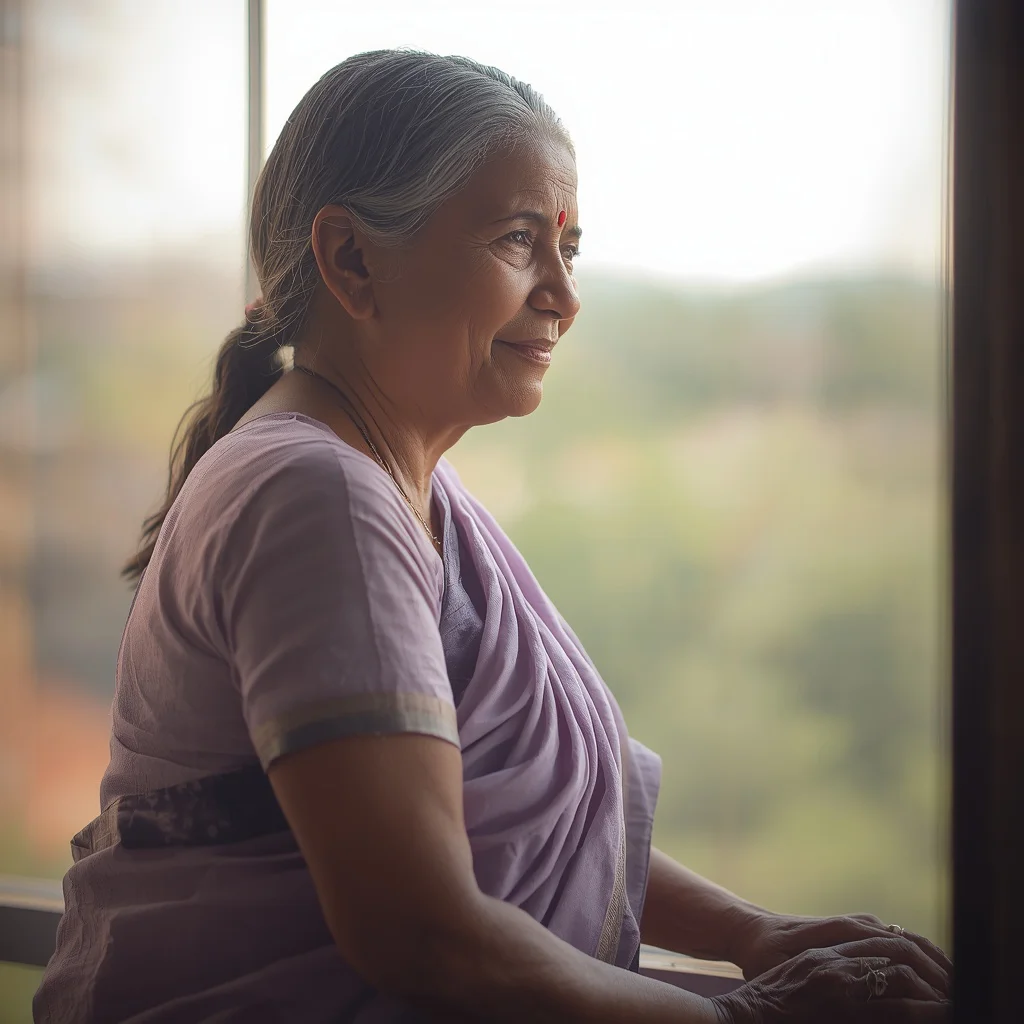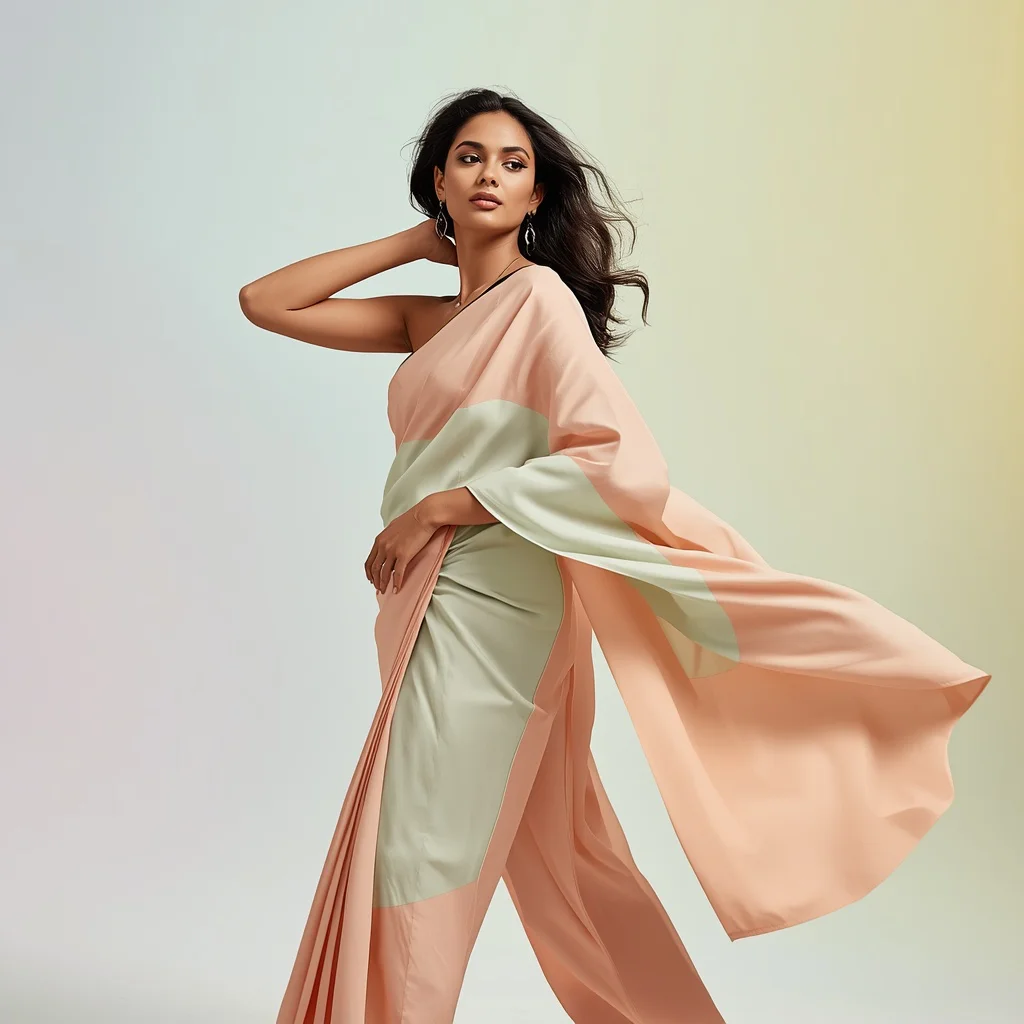


Discover how to generate high-impact, professional-grade social media portraits with flawless studio lighting using our curated AI prompts.
In the highly competitive world of social media content creation, visual quality is everything. Creators, influencers, and digital marketers are constantly searching for ways to stand out on feeds like Instagram and Pinterest. By utilizing advanced AI image prompts, you can now generate stunning, glamorous model portraits with flawless studio lighting, intricate outfits, and breathtaking backdrops without the need for high-end photography gear or professional studios.
This guide dives deep into the art of generating glamorous Instagram model poses. From serene yoga postures on dramatic cliff edges to traditional South Asian lehengas captured in a dynamic circular bloom, these prompts are engineered to deliver balanced compositions, rich textures, and perfect lighting. By understanding how to communicate poses, garments, and lighting conditions to AI engines, you can create a highly engaging visual aesthetic for your brand.
We will explore the key styles you can generate, provide a step-by-step implementation guide, and share professional tips on how to optimize your results across various AI platforms. Whether you are aiming for a soft, tranquil aesthetic or a dramatic, high-fashion editorial look, these prompts will help you achieve portfolio-worthy results with ease.
What Are Glamorous Instagram Model Poses with Flawless Studio Lighting?
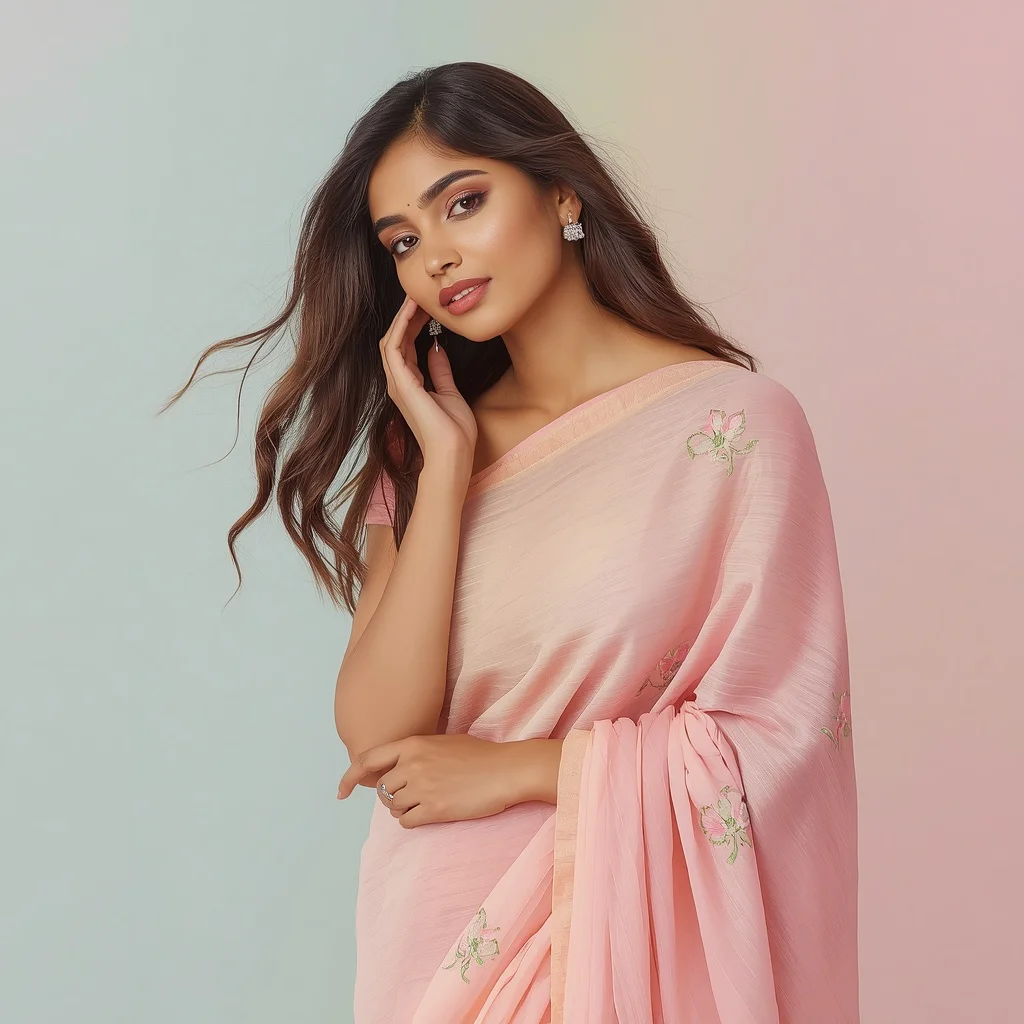
Glamorous Instagram Model Poses with Flawless Studio Lighting is a digital photography style that focuses on high-fashion aesthetics, balanced compositions, and professional-grade illumination. This style emphasizes the model's poise, the flow of the garment, and the clean, flattering quality of the light, which is often soft, diffused, or dramatically cinematic. The goal is to create an aspirational, highly polished image that immediately captures attention on digital feeds.
This style blends traditional portraiture with modern influencer trends. It often features models in active, graceful movements—such as performing a low spin in a pastel festive lehenga or walking gracefully through a lavender field at dawn—while maintaining a flawless, studio-like quality to the lighting, even when placed in outdoor or fantastical environments.
Why Glamorous Instagram Model Poses with Flawless Studio Lighting Is Trending
The trend is driven by the continuous demand for high-aesthetic lifestyle and fashion content on social media. High-quality imagery correlates directly with higher engagement, follower growth, and brand collaboration opportunities. AI-generated models allow creators to rapidly prototype fashion concepts, test different color palettes, and maintain a consistent, ultra-luxurious grid aesthetic with minimal overhead.
Moreover, the integration of traditional cultural garments like Anarkalis and lehengas with modern, high-production lighting has created a massive global trend. It allows creators to celebrate cultural heritage in a way that feels fresh, luxurious, and globally appealing, making these prompts highly sought after by digital artists and social media managers alike.
Popular Styles You Can Create
Our prompt collection spans a wide variety of high-fashion and lifestyle aesthetics. By pasting these prompts into your preferred AI generator, you can create several distinct styles:
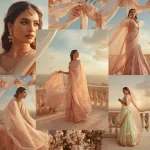
- Cultural Luxury & Motion: Capturing an Indian woman in a pastel festive lehenga or Anarkali performing a low spin, allowing the fabric to expand in a stunning circular bloom.
- Cosmic Editorial: Generating a dramatic, ultra-luxury collage where a model emerges from a shattered cosmic nebula portal wearing a structured gown with metallic accents.
- Serene Wellness: Depicting tranquil, graceful yoga poses (like Warrior II or Extended Hand-to-Big-Toe Pose) on pristine beaches at sunrise or dramatic cliff edges.
- Tranquil Nature: Capturing peaceful strolls through fragrant lavender fields at dawn, vast alpine meadows at sunset, or sitting beneath an ancient cherry blossom tree.
How to Use Glamorous Instagram Model Poses with Flawless Studio Lighting
To generate these stunning visuals, simply copy and paste the prompts into advanced AI generators like ChatGPT, Gemini, Midjourney, Flux, or Leonardo. These tools are highly capable of translating complex descriptions of clothing, lighting, and environment into cohesive, high-resolution images. To make a prompt your own, try swapping out details like the type of dress, the color scheme, or the location.
For example, if you want to modify the desert dance prompt, you could change the 'bohemian-inspired dress' to a 'flowing silk slip dress' and change the 'starry desert night sky' to a 'glowing neon-lit rooftop'. This allows you to repurpose the dynamic pose and composition while creating an entirely new visual narrative suited to your specific brand identity.
What Kind of Base Photo Works Best?
If you are using image-to-image or face-swapping workflows to personalize these renders, your starting image is key. The ideal base photo should feature clear, balanced lighting on the face, with minimal shadows. It is best to use a photo where the subject is looking directly at the camera or in the direction of the intended prompt's gaze to ensure natural eye alignment.
The pose in your base photo should also mimic the level of tension or relaxation described in the prompt. For a high-fashion editorial pose, a base photo with strong, structured posture will help the AI maintain the correct anatomical lines, resulting in a much more believable and striking final image.
Which AI Tools Deliver the Best Results?
Choosing the right generator can make a significant difference in the quality of your final social media assets. Here is a guide to the best tools for pasting these prompts.
| AI Tool | Strengths | Recommended Settings |
|---|---|---|
| Midjourney | Excellent for luxurious aesthetics, complex fabric folds, and hyper-realistic skin textures. | Use aspect ratio --ar 9:16 for stories/reels and --stylize 250 for artistic flair. |
| Flux | Incredible anatomical accuracy, rendering of hands, and crisp, clean studio lighting. | Set the generation steps high and choose a portrait-focused model. |
| Leonardo | Great control over composition and excellent pre-set models for fashion photography. | Use the 'Absolute Reality' or 'PhotoReal' pipelines for lifelike results. |
Pro Tips
- Describe the Fabric Dynamics: Use terms like 'circular bloom', 'swirls with her movements', 'soft flowing motion', or 'expand outward' to guide fabric rendering.
- Specify Lighting Temperatures: Mention light quality, such as 'warm sunset glow', 'soft pastel-hued sky at dawn', or 'flawless studio lighting' to set the mood.
- Incorporate Fine Jewelry: Mentioning details like 'sparkling jewelry' or 'metallic accents' adds a layer of luxury and sophistication to the render.
- Focus on Pose Balance: Use terms like 'poised and controlled posture', 'elegant and balanced', or 'impeccable balance' to ensure natural model anatomy.
- Control the Background: Keep the background soft by using phrases like 'soft, wet sand reflecting the sky', 'blurred vista of peaks', or 'pastel gradient background'.
- Optimize for Social Media Formats: Always generate in vertical formats (9:16 or 4:5) to ensure your final images fit perfectly on mobile feeds.
- Enhance Post-Generation: Use upscaling tools to sharpen details like the delicate patterns of a kimono or the intricate texture of a lehenga.
Common Issues and Quick Fixes
Even with advanced prompt engineering, you may run into occasional visual glitches. Use this table to quickly identify and fix common rendering issues.
| Common Issue | Root Cause | Quick Fix |
|---|---|---|
| Unnatural Joint Angles | Complex physical poses (like yoga) can confuse the AI's anatomical mapping. | Simplify the pose description, or use a clear base photo to guide the physical structure. |
| Flat or Dull Lighting | Lack of explicit lighting descriptors in the prompt. | Add phrases like 'flawless studio lighting', 'cinematic volumetric light', or 'glowing stardust' to the prompt. |
| Over-saturated Colors | The AI generator is over-interpreting vibrant color terms. | Use softer color descriptors like 'pastel tones', 'muted earthy tones', or 'natural fabrics'. |
Frequently Asked Questions
What is the best way to generate flawless studio lighting in AI?
To get flawless lighting, use specific photographic terms in your prompts, such as 'soft pastel gradient background', 'glowing stardust', 'warm golden hour light', or 'flawless studio lighting'.
Can I use these prompts to create viral Instagram reels and carousels?
Absolutely! These prompts are designed specifically to generate high-aesthetic, visually striking images that are perfect for carousels, reels, and high-engagement social media posts.
How do I ensure the model's pose looks natural and balanced?
Use precise kinetic verbs like 'poised and controlled posture', 'circular step', 'low spin close to the ground', or 'arms outstretched' to guide the model's stance.
Conclusion
Mastering glamorous Instagram model poses with flawless studio lighting is a game-changer for digital creators. By using highly descriptive prompts that focus on pose balance, fabric movement, and precise lighting conditions, you can generate stunning, high-engagement visual assets. Paste these prompts into your favorite AI tool and start elevating your social media aesthetic today.