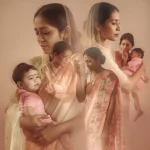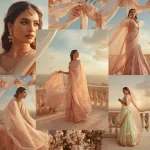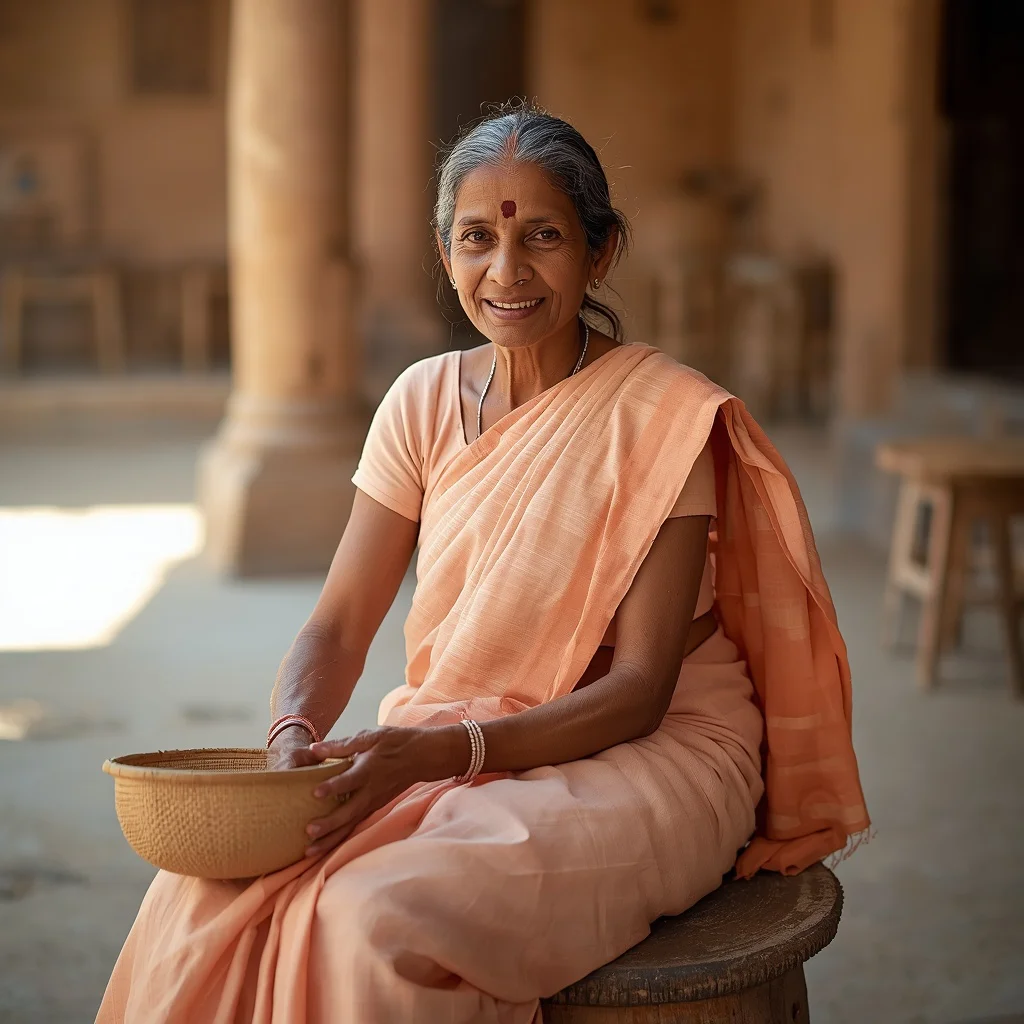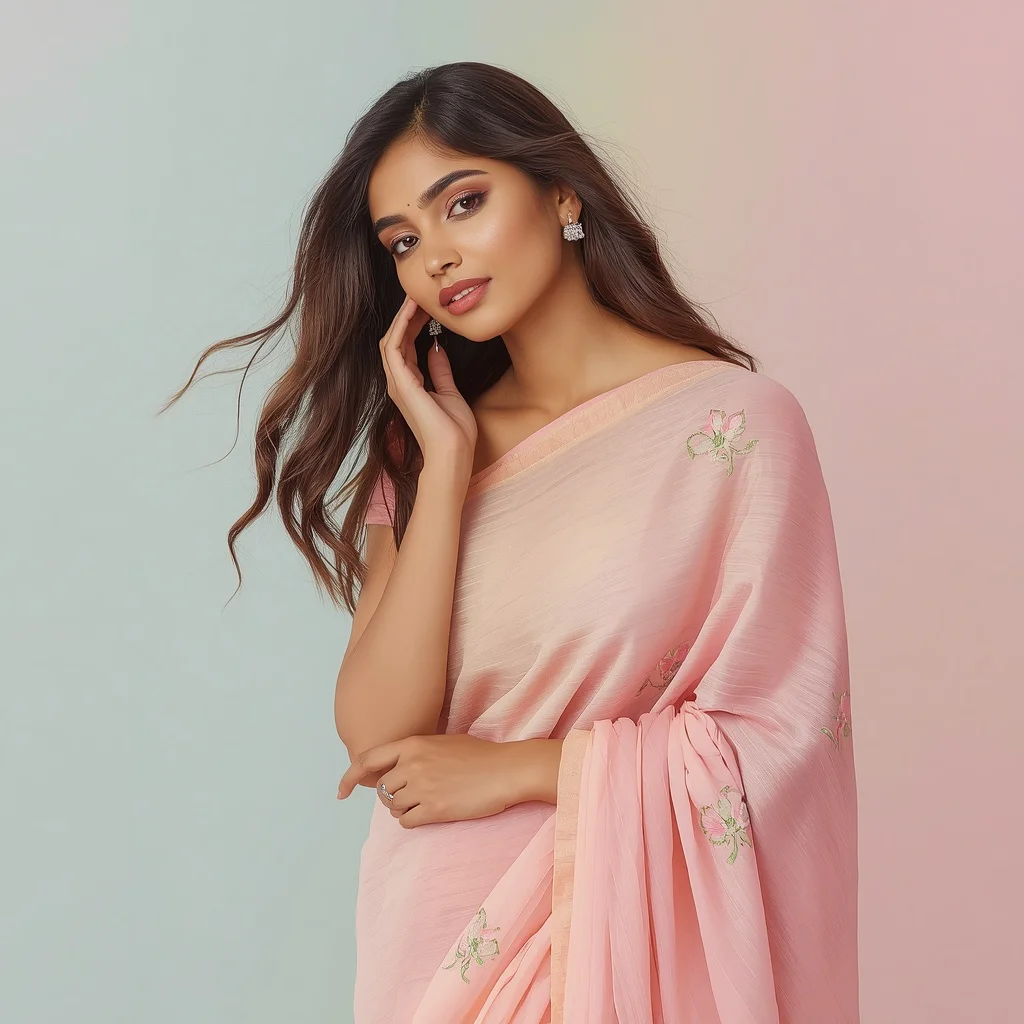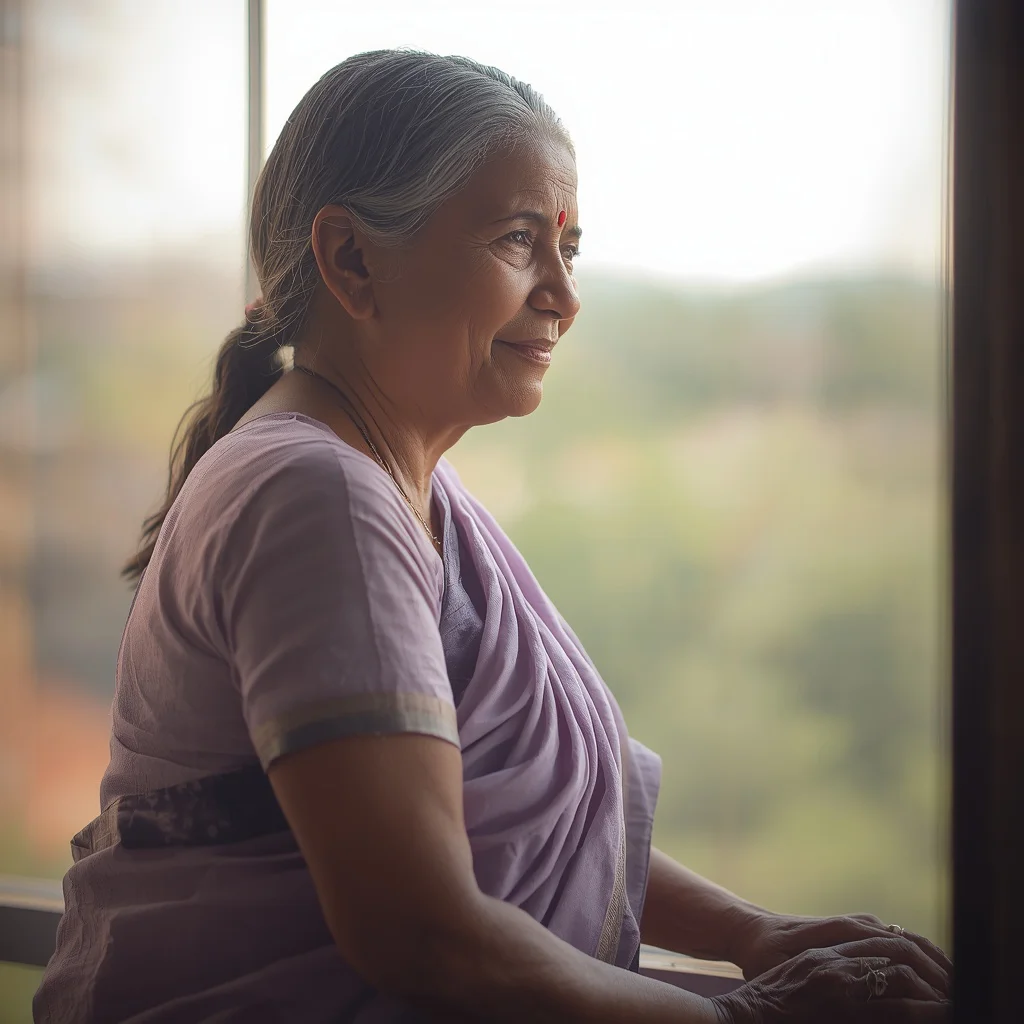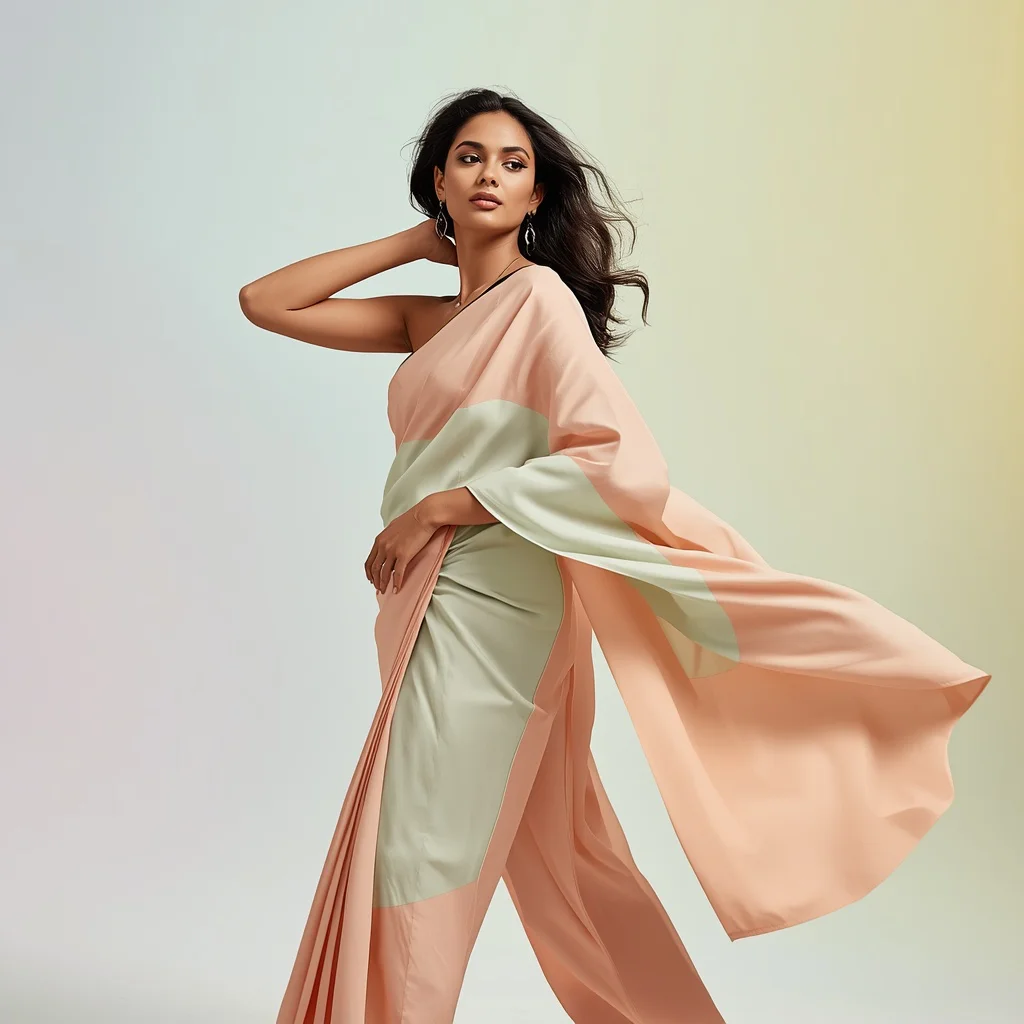


Elevate your digital portrait portfolio with advanced AI prompts designed to capture traditional bridal elegance and powerful, modern female personas.
The world of digital portraiture has been transformed by generative AI, allowing creators to explore themes of resilience, professional authority, and traditional elegance with unprecedented ease. This guide focuses on generating radiant bridal aesthetics and diverse, powerful female portraits. By utilizing highly detailed prompts, you can direct AI engines to render stunning textures, complex architectural backgrounds, and deep emotional expressions that rival professional studio photography.
Traditional Indian elegance and radiant bridal photography require a careful blend of rich color palettes, luxurious fabrics, and dramatic lighting. Whether you are aiming to generate a regal woman descending an ornate mansion staircase in a flowing silken gown, or an elderly woman smiling warmly in a vibrant secret garden, the secret lies in specifying the material qualities of the clothing and the atmospheric conditions of the surrounding scene.
In this comprehensive guide, we will analyze the key components of high-quality portrait prompts, provide a step-by-step workflow for generating these images, and explore how to troubleshoot common rendering challenges. By mastering these prompt structures, you will be equipped to generate breathtaking, high-fidelity images that celebrate both traditional heritage and modern empowerment.
What Are Radiant Bridal and Traditional Indian Elegance?
Radiant Bridal and Traditional Indian Elegance represents a high-end digital art style that focuses on the opulent, celebratory, and dignified aspects of traditional bridal wear and sophisticated female portraits. This style is characterized by the use of rich, shimmering fabrics like silk and satin, intricate architectural settings such as grand staircases or high-tech labs, and lighting that highlights the natural beauty and emotional depth of the subject.
This aesthetic extends beyond conventional bridal themes to include powerful, modern representations of women in diverse fields—such as a bold entrepreneur in a startup office, a focused scientist in a research facility, or a passionate musician playing a cello. The common thread is a sense of poise, resilience, and refined elegance, rendered with cinematic clarity and deep color saturation.
Why Radiant Bridal and Traditional Indian Elegance Is Trending
This genre of AI-generated art is trending rapidly because it fills a crucial gap in digital representation. It allows creators to visualize diverse cultural stories and professional milestones with high artistic value. Social media platforms, wedding planners, and digital editorial sites are constantly seeking fresh, high-quality visuals that showcase traditional heritage alongside modern, empowering narratives.
Additionally, the ability to generate hyper-realistic textures—such as the gleam of a cello's wood, the shimmer of a silken gown, or the play of light on scientific equipment—makes these prompts highly popular among AI enthusiasts. They provide a perfect playground for testing the limits of modern image generators and creating stunning, shareable content that resonates deeply with viewers.
Popular Styles You Can Create
Our prompt collection allows you to explore an incredibly diverse range of styles, from gritty urban realism to high-tech environments and classical opulence. Here are some of the popular styles you can generate by pasting these prompts into your AI engine:
- Classical Opulence: An elegant woman in a flowing, voluminous silken gown of deep burgundy or emerald green descending an ornate, grand staircase.
- Modern Empowerment: A bold entrepreneur in a vibrant power-colored pantsuit in a dynamic startup office, or a female scientist in a pristine white lab coat.
- Gritty Urban Aesthetic: A defiant young woman in ripped denim, a vintage band t-shirt, and a leather jacket leaning against a graffiti-laden brick wall.
- Ethereal & Aquatic: A silver-haired being dancing weightlessly in the deep sea amongst a swarm of glowing, bioluminescent jellyfish.
How to Use Radiant Bridal and Traditional Indian Elegance
To use these prompts effectively, paste them into advanced AI image generators such as ChatGPT, Gemini, Midjourney, Flux, or Leonardo. These platforms are highly capable of interpreting the complex textural and atmospheric details provided in the prompts. To customize the outputs, you can alter specific nouns or adjectives—for instance, changing the cello to a violin, or swapping the secret garden background for a sun-drenched vineyard.
When customizing, pay close attention to the emotional keywords. Words like 'resilient', 'focused', 'exuberant', or 'serene' guide the AI's facial generation algorithms, ensuring that the model's expression aligns perfectly with the overall theme and setting of your visual concept.
What Kind of Base Photo Works Best?
For creators utilizing image-to-image workflows, selecting the right base photo is essential for achieving a high-quality, natural-looking final render. The base photo should feature clear, direct lighting on the face and a clear view of the subject's posture. Avoid photos with busy backgrounds or extreme angles, as these can introduce unwanted distortions during the generative process.
The subject's clothing in the base photo should ideally have a similar silhouette to the target garment. For example, if you want to generate a voluminous silken gown, a base photo featuring a long dress or coat will help the AI accurately map the flow and drape of the fabric, resulting in a much more realistic and physically convincing final image.
Which AI Tools Deliver the Best Results?
Different AI engines excel at different aspects of portrait generation. Below is a detailed breakdown of the best tools to paste these prompts into for optimal results.
| AI Tool | Strengths | Recommended Settings |
|---|---|---|
| Midjourney | Unmatched rendering of silk, satin, and metallic textures. Excellent cinematic lighting. | Use --v 6.0 and --style raw for a more realistic, photographic finish. |
| Flux | Superb hand rendering and anatomical accuracy. Great at complex multi-subject scenes. | Set resolution to 1024x1536 for vertical, high-definition portraits. |
| Leonardo | High customizability with fine-tuned models for photorealism and fashion. | Enable 'PhotoReal' mode and set the raw style strength to high. |
Pro Tips
- Describe Fabric Weight: Use words like 'voluminous', 'drapes luxuriantly', 'minimalist', or 'translucent' to give the AI a clear sense of how the garment should behave.
- Incorporate Environmental Reflections: Mention how light interacts with the subject, such as 'colors reflecting upon her garment' or 'water droplets catching the sunlight'.
- Control Color Contrast: Use striking color combinations like 'emerald green power suit' in a bright office, or 'deep burgundy gown' on a warm-toned wooden staircase.
- Leverage Architectural Details: Specify background elements like 'crystalline structures', 'open-plan space', 'ornate carvings', or 'graffiti-laden brick wall' to build depth.
- Fine-tune Facial Expressions: Use highly descriptive terms like 'face full of life's stories', 'defiant smoky eyes', 'focused and intelligent', or 'eyes closed in delight'.
- Use High-Quality Aspect Ratios: Always render in vertical formats like 4:5 or 9:16 to maximize the impact of full-body fashion portraits.
- Refine with Inpainting: Use detail-enhancing tools to touch up complex areas like jewelry, eyes, and hands after the initial generation is complete.
Common Issues and Quick Fixes
Understanding potential rendering issues can save you hours of generation time. Refer to the table below for quick solutions to common problems.
| Common Issue | Root Cause | Quick Fix |
|---|---|---|
| Unrealistic Fabric Drape | The prompt lack descriptions of fabric weight and movement. | Add verbs like 'drapes luxuriantly', 'flowing', or 'shimmering' to guide the physics engine. |
| Mismatched Lighting | The subject and background lighting directions do not align. | Specify a unified light source, such as 'soft dramatic chandelier lighting' or 'sunlit park fountain'. |
| Anatomical Distortions | Complex poses can confuse generative models. | Simplify the pose description, or use a strong base image with a clear posture to guide the AI. |
Frequently Asked Questions
How can I customize these prompts for a specific bridal color scheme?
You can easily customize the color palette by changing descriptive words like 'deep burgundy' or 'emerald green' to your preferred bridal colors, such as 'crimson red' or 'royal gold'.
Which AI generator works best for rendering realistic fabrics?
Midjourney and Flux are highly recommended for rendering complex fabric textures like silk, lace, and embroidery with lifelike accuracy.
Can I use these images for commercial wedding design portfolios?
Yes! These AI-generated concepts are perfect for mood boards, client presentations, social media marketing, and digital portfolios.
Conclusion
Creating radiant bridal portraits and powerful, elegant female imagery with AI is an incredibly rewarding process. By utilizing highly detailed prompts that focus on fabric quality, atmospheric lighting, and architectural depth, you can generate stunning, professional-grade visuals. Paste these prompts into your favorite AI tool and start designing your high-impact digital gallery today.